You get three days before a release and 200 test cases waiting. You are not going to run all 200. That’s just the truth. I used to feel bad about that. Now I don’t, because I’ve learned it’s not about doing more testing — it’s about choosing the right things to test.
Most QA advice tells you to aim for full coverage. But in real projects, full coverage isn’t even possible. The real question is: with the time I have, where do I spend it so the release doesn’t break in the worst place?
A framework built from three questions
I use three simple questions before I decide how much time to give a feature:
● Impact — if this breaks, does it really hurt the user or the business, or is it just something small?
● Likelihood — how often will people actually use this part?
● Detectability — if it breaks, will we notice first, or will the customer notice first?
If something is high on all three, I test it hard. If it’s low on all three, I give it a quick check and move on. That’s it. Simple to say, but it took real projects for me to actually learn how to use it.
Case one: two logins in one app broke the backend
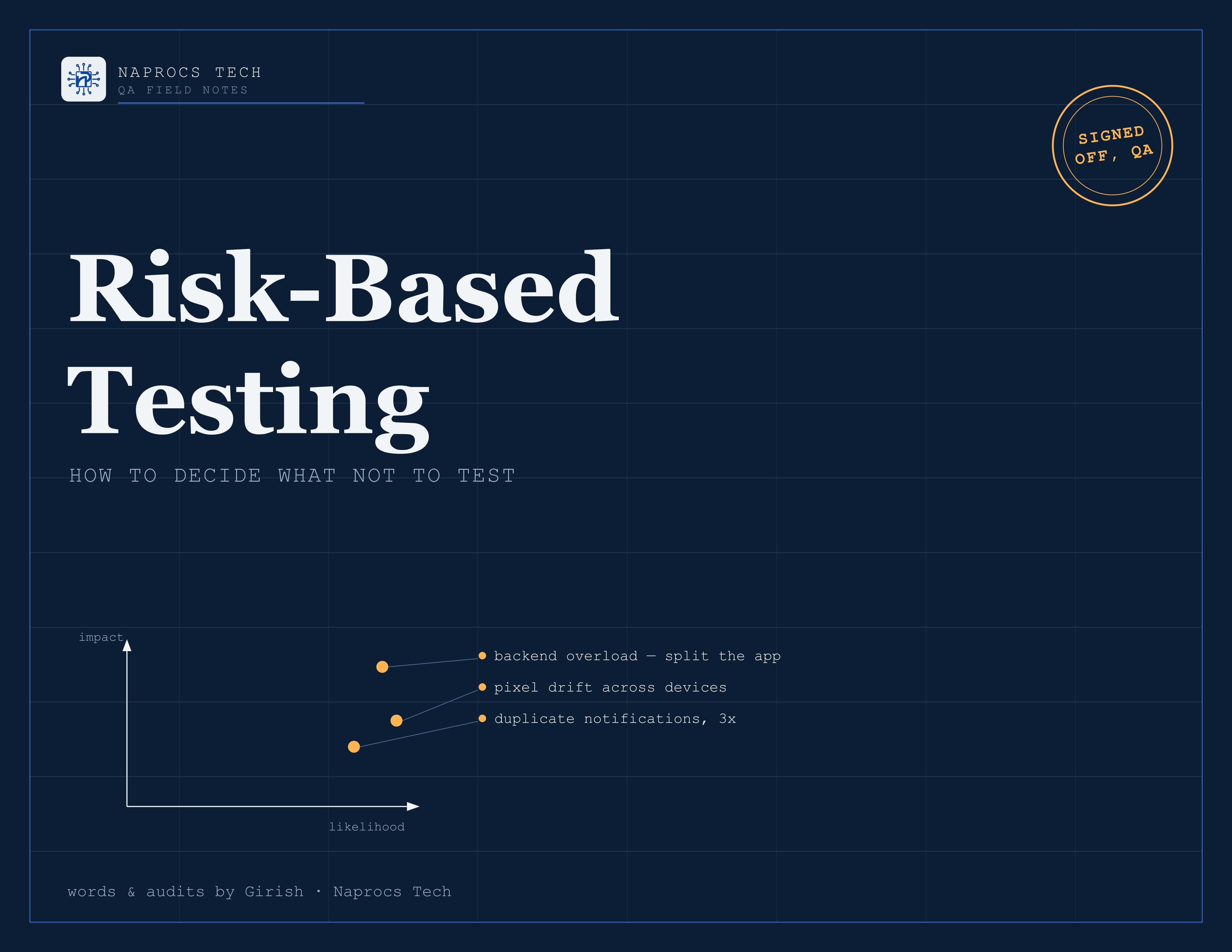
On a project called Society Pool, the app had two separate logins built into one app. I found out late that this was putting too much load on the backend. It wasn’t something you could see just by clicking around — you had to know what was happening behind the screen. But it was risky. If it broke, a lot of people would be hit, because every single user was going through that same login. Once I flagged it, we split the app into two. That fix came from asking what was actually risky, not from just running my usual test cases and calling it done.
Case two: pixel errors on every phone
After we split the app, a new problem showed up: pixel errors on different phone sizes. Buttons shifting, spacing breaking, things just looking off. It’s easy to write this off as “just UI,” but it wasn’t small — every user, on every device, was going to see it. I ran around a dozen audits just to trace where it was coming from. We fixed it, and the dev team moved to a static layout after that.
This project changed how I test now. I don’t just check if a screen “looks fine” anymore — I look at the logic and the way the dev team built it, so I can guess where the next pixel problem might come from before it happens.
Case three: one notification, sent three times
Same project, different bug. Notifications were firing three times instead of once. Turned out the app was running as two copies of the same setup, so every notification event was tripling. I wouldn’t have found this by just checking “does the notification show up” — I had to actually understand how the sockets worked. I suggested a fix and it worked.
This one taught me something too. It wasn’t a big bug in terms of damage, but everyone would have noticed it right away, and that alone made it worth fixing fast.
Case four: knowing where automation stops helping
On a different project, Vipaasa, I learned you can’t automate everything on both frontend and backend — it’s just not realistic. So I split my effort. Code analysis to check the main parts on the backend, and manual testing across every available portal on the frontend. I logged the bugs, and where I could already see the fix, I passed that straight to the dev team to save them time.
Case five: testing something I built myself
This one taught me something different. I realized that as a QA person, it actually helps to understand how something is built, not just how to break it. So I planned and built Digital MoM myself, in under five hours, testing it and checking how the parts connected as I went. Understanding how it was built meant I could guess where the risk actually was, instead of finding out after something broke.
The part nobody tells you
Here’s something I believe strongly: QA is the last safety net. If something goes wrong after release, we’re usually the first ones asked how it was missed — not the developer who wrote the bug. That’s just how it is. And that’s exactly why this way of thinking matters. If you’re the one who gets blamed when something breaks, you should at least have a real reason for what you tested and what you skipped — not just “I ran out of time.”
The takeaway
Every project here taught me some version of the same thing: the bugs that hurt the most are rarely the ones that look scary on paper. A login nobody load-tested. Pixels on a phone size nobody checked. A notification firing three times because two versions of the same app existed side by side. You won’t find these by just running through your test cases one by one. You find them by asking, before you start: what’s actually risky here, and what happens if I get it wrong?
Next time you’ve got more test cases than time, try asking that question first. It might save you from the next nightmare.