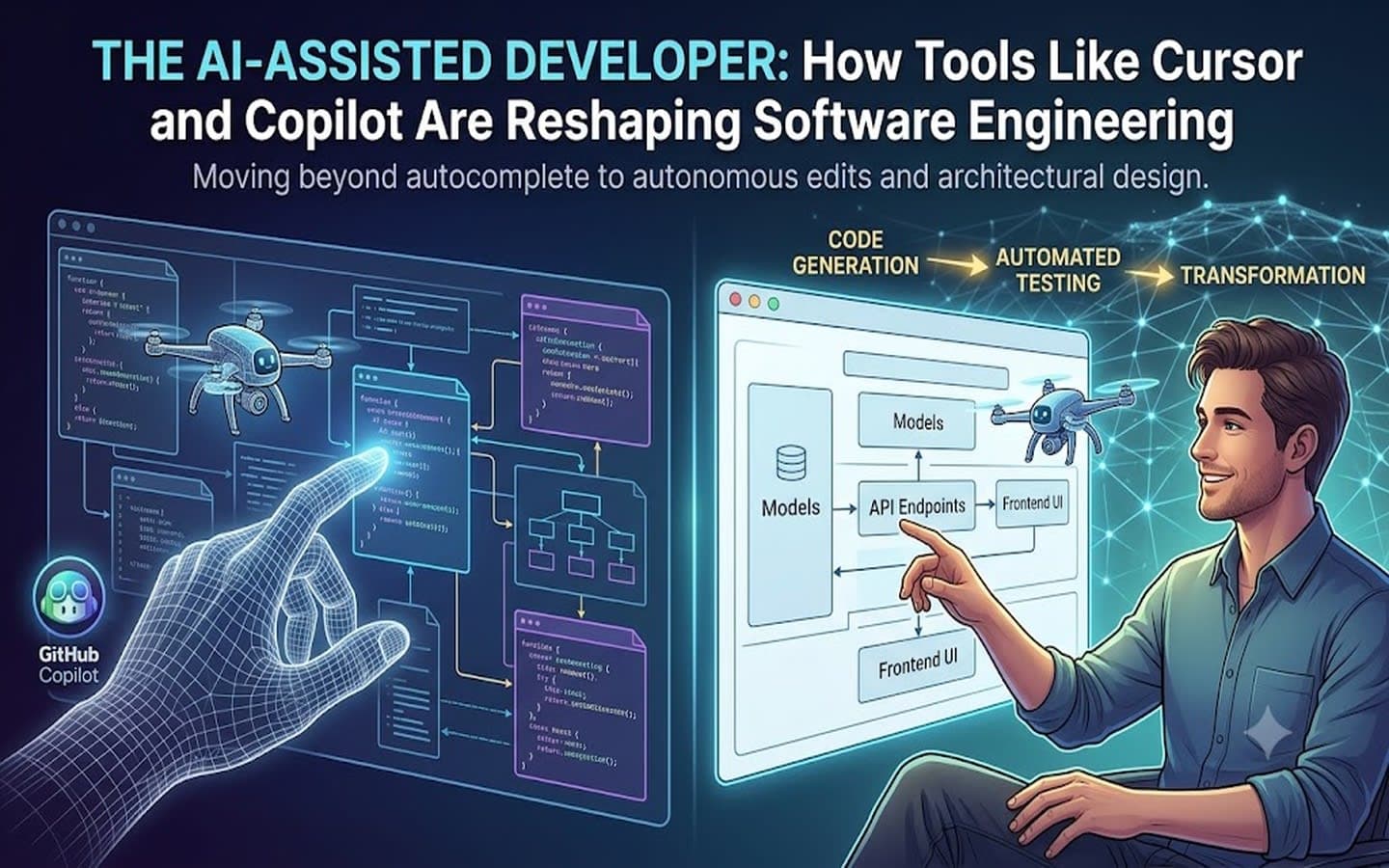
The software development paradigm has shifted from writing syntax to directing architectural intent. With over 80% of developers relying on AI coding assistants daily, the focus has moved beyond basic line completion toward autonomous execution, context-aware reasoning, and end-to-end workflow transformation.
Leading this transformation are two distinct approaches: GitHub Copilot, an embedded extension for existing IDEs, and Cursor, an AI-native editor built specifically to leverage full codebase context. Understanding their impact across code generation, testing, and daily workflows highlights how modern software engineering is evolving.
1. Code Generation: From Autocomplete to Autonomous Edits
The approach to generating code has evolved through two distinct architectural models:
[ Traditional Editor + Copilot Plugin ] ──> Focus: Local Autocomplete & Chat
[ AI-Native Editor (Cursor) ] ──> Focus: Multi-File Edits & Agentic Workflows
● Inline Suggestions vs. Multi-File Composition: Earlier tools acted primarily as intelligent inline autocomplete engine—predicting the next line or block of code as a developer typed. Modern AI-native environments operate on multi-file composition. Developers can prompt high-level system changes, and the assistant coordinates modifications across models, API endpoints, frontend UI components, and configuration files simultaneously.
● Repo-Wide Context Indexing: Instead of analyzing only open tabs, AI assistants index the entire codebase semantically. By querying system structures, the AI respects project-specific conventions, existing design patterns, and internal utility libraries without manual file tagging.
● Plan & Agent Modes: Rather than immediately dumping code into a file, newer workflows utilize "Plan Modes". The AI outlines its implementation strategy, allows the developer to review and adjust the architectural plan, and then executes the code changes autonomously using built-in terminal access and agentic tools.
2. Automated Testing & Reliability
Testing is often one of the most tedious aspects of development, making it an ideal candidate for AI-driven automation. Modern AI tools treat test suites as continuous feedback loops rather than static code bases
● Context-Aware Unit & Integration Test Generation: Instead of writing generic unit tests, assistants parse schema definitions, API routing rules, and business logic to generate comprehensive edge-case assertions. They dynamically build mock data payloads that align with actual application types.
● Self-Healing Code Loops: When running tests or build scripts, AI agents can read error outputs directly from the terminal or CI execution logs. If a test fails, the agent analyzes the stack trace, adjusts the offending logic, and re-executes the test until it passes, significantly shortening the red-green-refactor loop.
● Regression & Bug Detection: Modern background agents review pull requests and diffs automatically, flagging potential runtime bugs, race conditions, or unhandled exceptions before human review.
3. Workflow Transformation: The Developer as Architect
The daily routine of a software engineer is transitioning from manual syntax implementation to system design, prompt orchestration, and quality assurance.
Feature / Aspect
GitHub Copilot
Cursor
Integration Architecture
Extension plugin (VS Code, JetBrains, Neovim)
Standalone AI-native IDE (VS Code fork)
Core Strengths
Fast inline suggestions, enterprise ecosystem integration
Deep repo context, multi-file edits (Composer), agent execution
Context Scope
Active tabs, pinned workspace spaces
Entire indexed repository + external docs via MCP
Ideal Use Case
Rapid autocomplete within existing environments
Large-scale refactoring, multi-file features, agent workflows
Key Workflow Changes:
Accelerated Onboarding: Engineers entering a new repository can query the codebase in natural language (e.g., "How is authentication state persisted across server requests?"), drastically reducing time-to-first-commit.
Asynchronous Background Agents: Developers can offload long refactoring tasks or dependency updates to background agents running on remote machines while continuing to work uninterrupted on core product features.
Model Flexibility: Teams are no longer tied to a single underlying LLM. Developers can switch between models like Claude, GPT-4, or domain-tuned models depending on whether a task demands high-speed autocomplete or deep reasoning.
4. Challenges & Human Oversight
While AI tools deliver substantial speed gains, they introduce unique challenges that necessitate human critical thinking:
● Hallucinations & Subtle Bugs: AI can confidently generate code that looks correct at a glance but contains subtle security flaws, memory leaks, or outdated API calls.
● Codebase Bloat: The ease of generating code can lead to redundant logic or unoptimized architectural patterns if developers accept suggestions without thorough code reviews.
● Verification over Generation: The core responsibility of the developer has shifted from writing code from scratch to verifying, auditing, and maintaining AI-generated outputs.
The rise of tools like Cursor and GitHub Copilot signifies a fundamental shift in software development. By taking over repetitive boilerplate, multi-file refactoring, and test writing, AI assistants allow developers to operate at a higher level of abstraction—focusing on system architecture, user experience, and long-term product vision.